On-Page SEO Lecture for Students (With Real Examples)
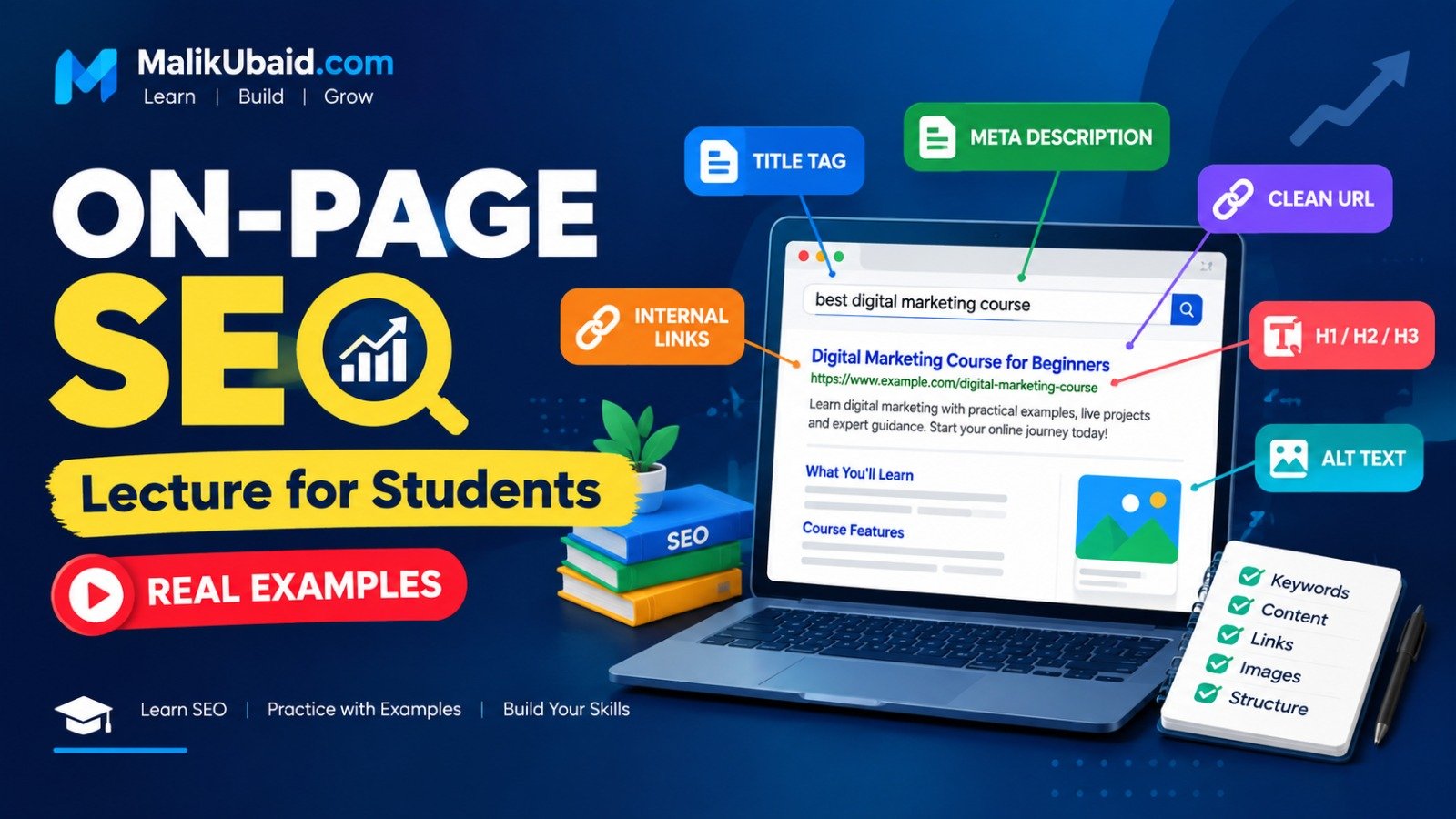
If you are learning digital marketing or SEO in a classroom, on-page SEO is usually the first thing you can actually do with your own hands. You do not need a big budget. You do not need fancy tools on day one. You need a page, clear words, and the habit of asking: “Would a real person understand this — and would Google know what this page is about?”
This post is written like a short lecture with examples — including Google-style previews you can show in class (no screenshots required). Read it once, then open any website and try to spot each element. That is how it sticks.
New to the wider topic? Start with our SEO strategies for small business overview, then come back here for the on-page details.
What is on-page SEO?
On-page SEO means everything you control on the page itself: title, headings, text, links, images, and how the URL is written. It is not link building. It is not running ads. It is making one URL a clear, helpful answer to a search query.
Think of each page as a student assignment. The topic is your keyword. The title is on the cover. Headings are your outline. The body is where you prove you understood the question. When you build sites with WordPress or custom development, these same rules apply to every page you publish.
1. Title tag (the blue link on Google)
The title tag lives in the HTML <head>. Search engines use it as the main headline in results. Keep it under roughly 60 characters when you can, put the main topic near the front, and make it sound human — not stuffed with keywords.
Text example — topic: “on-page SEO for beginners”
Weak: SEO SEO Course SEO Pakistan Learn SEO Cheap Best
Better: On-Page SEO for Beginners: A Simple Lecture With Examples
Google preview — weak title tag
Google preview — strong title tag (on-page SEO)
Ask yourself: if you saw only the blue title in Google, would you click it?
2. Meta description (the snippet under the title)
The meta description does not directly “rank” you like a magic lever, but it affects clicks. Write 140–160 characters that summarize the page and include a gentle call to action.
Google preview — meta description highlighted
Copy-paste meta description example
Learn on-page SEO step by step: title tags, headings, URLs, internal links, and image alt text — with real examples for students.
3. URL (slug)
Short, readable URLs help users and search engines. Use lowercase words separated by hyphens. Drop dates unless you are a news site.
Example
Weak: /page?id=8842&cat=3
Better: /blog/on-page-seo-lecture-examples-for-students/ ← you are reading this URL right now.
On this site, blog posts live under Malik Ubaid’s blog, services under services, and travel packages under Travel With Malik Ubaid — each with its own clean slug.
4. One clear H1 (main heading on the page)
Every page should have one H1. It can match the title tag closely, but it does not have to be identical. The H1 is what people see when they land on the page.
This page
H1: On-Page SEO Lecture for Students (With Real Examples)
SEO title in Google: On-Page SEO Lecture for Students: Examples — similar, not identical. That is normal.
5. Heading structure (H2, H3)
Use headings like a table of contents. Do not skip levels for styling (do not jump from H2 to H4 because it “looks bigger”). Search engines and screen readers both follow this outline.
Example outline for this topic
- H2 — What is on-page SEO?
- H2 — Title tag and meta description
- H2 — Headings and content
- H3 — How to write for people first
- H2 — Images and alt text
- H2 — Internal links
- H2 — Student checklist
6. Content: match search intent
“Search intent” is a fancy term for a simple idea: what did the person actually want? Someone searching “on-page SEO checklist” wants a list. Someone searching “what is a title tag” wants a definition and example.
Write in paragraphs real humans read. Use short sentences. Define jargon the first time you use it. If you are a student, imagine you are explaining the topic to a friend who missed the class.
Example paragraph (good tone)
On-page SEO is not about tricking Google. It is about making your page so clear that both a person and a search engine know you answered the question. Start with one focus keyword per page, then support it with related phrases naturally — like “meta description,” “headings,” and “internal links.”
7. Focus keyword (one main topic per page)
Pick one primary topic per URL. Use it in the title, H1, first paragraph, and maybe one subheading — but only where it sounds normal. If you repeat the same phrase twenty times, the page reads like spam and you lose trust.
This article
Focus keyword: on-page SEO
Related phrases you might use naturally: title tag, meta description, heading structure, alt text, internal linking.
8. Internal links (link to your own pages)
Internal links connect your content. They help visitors find the next lesson and help search engines understand your site structure. Use descriptive anchor text — not “click here.”
Practice internal linking — pages on MalikUbaid.com
9. Images and alt text
Images break up long lessons and help visual learners. Every meaningful image should have alt text — a short description of what the image shows. That helps accessibility and gives search engines context.
Alt text rules
Bad alt: image1.jpg
Good alt: Google search result showing SEO title and meta description for on-page SEO
On this lesson page we use built-in Google previews (the boxes above) so your class always sees the examples — even when screenshot tools or hotlinked stock photos are blocked on school Wi‑Fi.
Compress real photos when you use them so the page loads fast. Speed is part of user experience, and slow pages hurt engagement. Technical SEO topics like speed are covered in our broader SEO strategies post.
10. Quick on-page checklist (print this)
- One clear topic (focus keyword) for this URL
- Title tag: specific, human, main topic near the front
- Meta description: summary + reason to click
- Clean URL slug with hyphens
- Single H1 on the page
- Logical H2/H3 outline
- Content answers the search intent fully
- At least 2–3 internal links to related pages
- Alt text on images; file size reasonable
- Mobile-friendly layout (text readable without zooming)
Common mistakes students make
- Keyword stuffing — repeating the same phrase until the paragraph sounds robotic.
- Multiple H1s — usually a theme or template mistake; fix it once and every page benefits.
- Thin content — 150 words on a topic that needs a full explanation. Go deeper or merge pages.
- Duplicate titles — every page needs a unique title tag.
- Ignoring the user — SEO supports good writing; it does not replace it.
Mini assignment (try this today)
Pick any page on a small local business website (or a practice page you create). Open it in your browser and write down:
- The title tag (view page source or use an SEO browser extension).
- The H1 on the page.
- Whether the first paragraph explains the topic clearly.
- One improvement you would make in the next 30 minutes.
Share your before/after in class or with a study partner. Explaining your change out loud is the fastest way to learn on-page SEO.
Final thought
On-page SEO is learnable because it is visible. You can see the title, the headings, the links, and the words — and you can mock up Google results like the previews in this post. Master these basics before you worry about advanced technical audits or link campaigns. Get one page right — then repeat the process on the next.
If you are studying with Malik Ubaid’s materials or following along on this blog, treat each post as a lab: read, apply, compare, improve. That is how professionals work too — just with more pages and more data over time.
Want help applying on-page SEO to your own site? Book a free consultation or explore services to see how we build SEO-ready pages from the start.
